


Unlock the Power of Your HP AI PC

Designed exclusively for HP Next Gen AI PCs, AI Producer Studio is a software solution that can be used by creators, streamers, and gamers. Connect two cameras and let the AI handle switching, framing, and layouts automatically. Show yourself and what you are doing, full screen, side-by-side, or picture-in-picture, in a single recording or live stream, so you can focus on what you're doing. Use it on its own or alongside the setup you already have. Everything runs locally on your HP AI PC.
As an HP Next Gen AI PC owner, you can get a complimentary 6-month license of AI Producer Studio for a limited time, directly in the app. No license key needed.
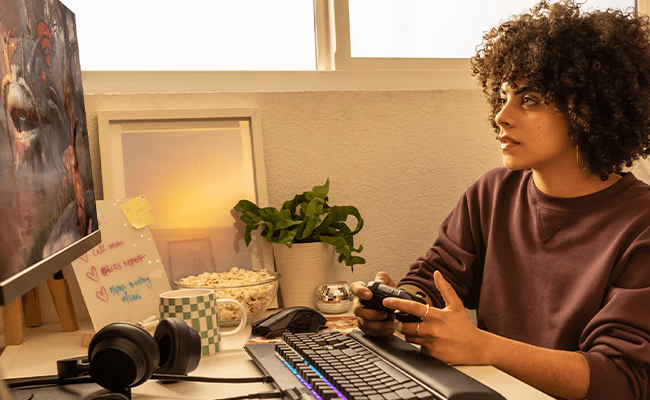
Gamers
Stream your gameplay in a side-by-side layout, or switch to full screen when the action takes over. Record straight to your PC in HD, or use AI Producer Studio as your camera, together with the setup you already use. Upload straight to YouTube when you are done.
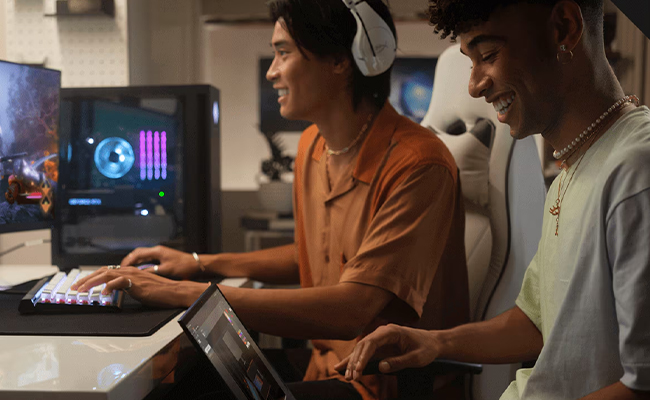
Streamers
Go live to YouTube, Twitch, or any RTMPS destination with multi-camera switching, screen sharing, and real-time layouts. Record the stream locally in HD while you go live, so you can edit and upload it later.
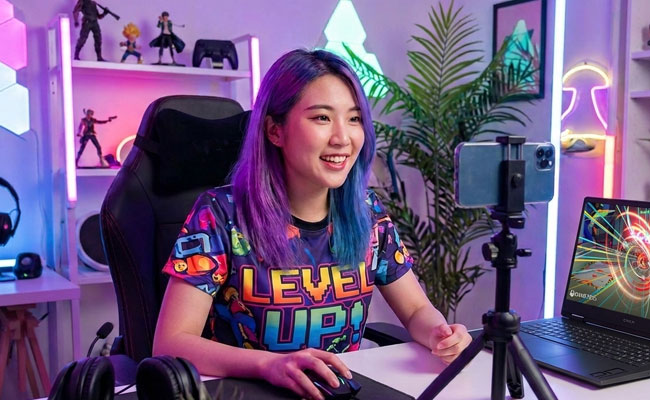
Content Creators
Let AI-assisted multi-camera switching frame and cut between your cameras and screens in real time as you record in HD, alone or with up to three people in front of the cameras.