


AI Producer Studio

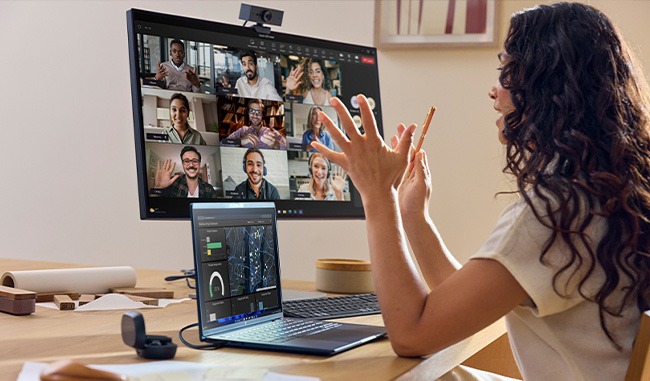
More Than One Screen
With two cameras connected, the AI-assisted multi-camera control switches to the view that best matches the participant’s current screen focus. When the built-in screen sharing feature is used, switching between the participant and shared content is also handled by the AI.
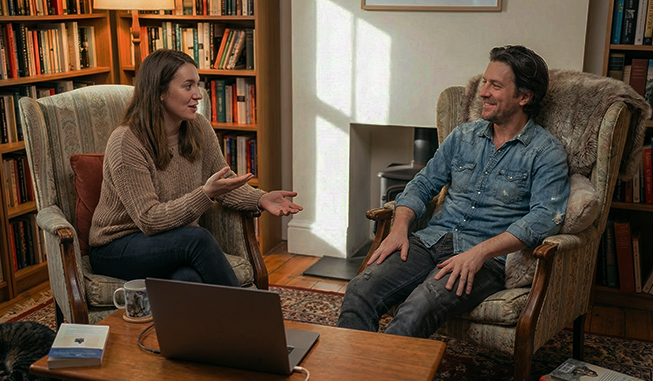
More Than One Presenter
With one or two cameras connected, the AI detects each person in front of the camera and lets the user select up to three people to include. The AI frames and displays the people in view from the best angle, with each camera working independently to frame its own presenters.
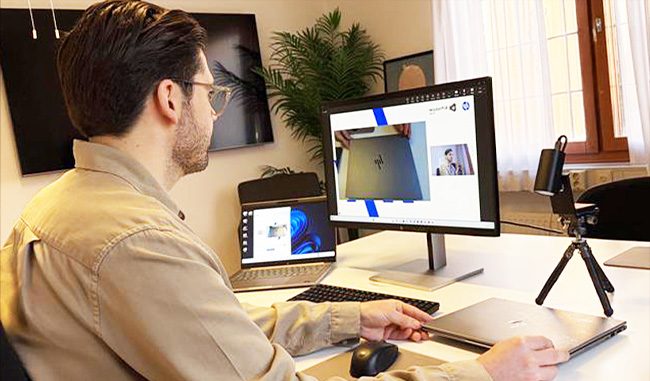
Product Demonstration
The presenter uses two cameras. One camera stays on the presenter, the other captures the product. By using the Product Demo format, the AI automatically shifts the moment the presenter starts interacting with the product. With no manual switch- ing, anyone can run a professional demo on their own. There is also a format optimized specifically for screen share demonstrations.
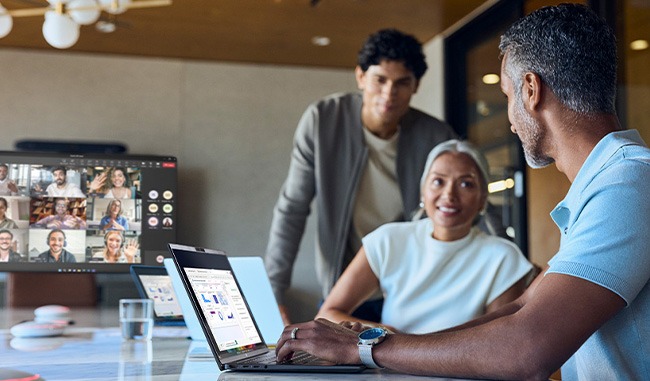
Everyday Meetings
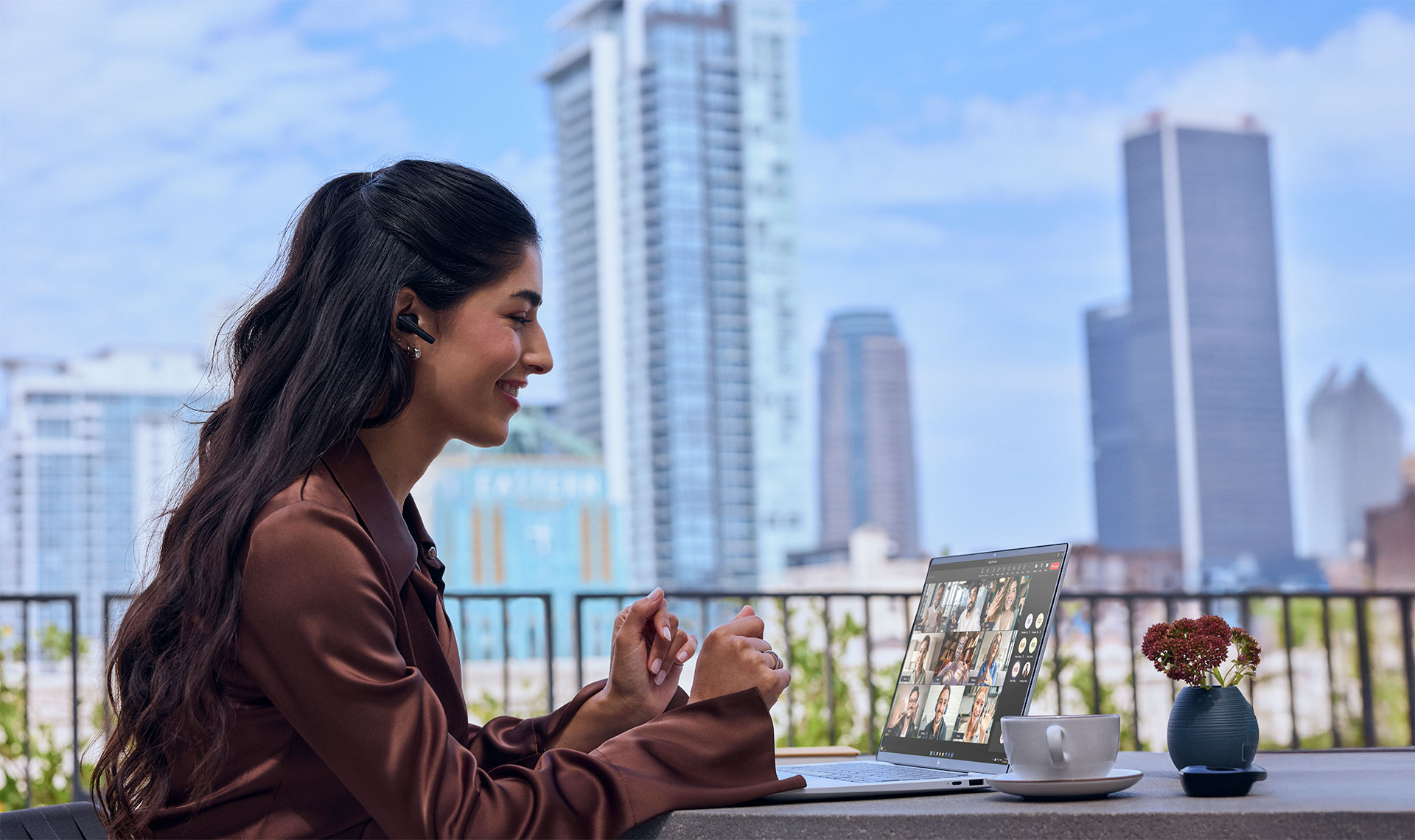
Use AI Producer Studio directly in any online meeting platform. The AI keeps you framed and the layouts optimized, so you look polished in every meeting without changing how you work.
Live Streaming
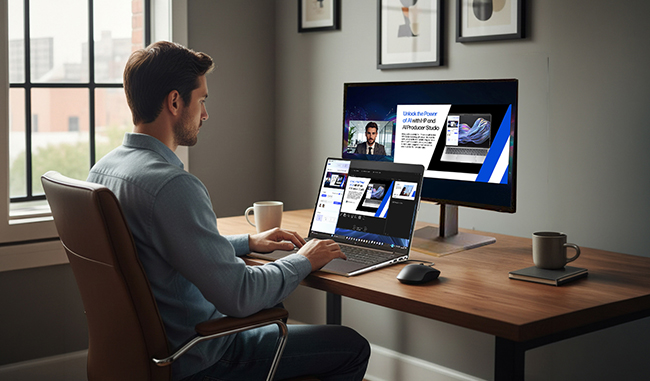
Stream any type of content directly from your HP Next Gen AI PC to any destination. The AI handles the switching between cameras and shared content automatically.
Recording
Record and keep your tutorial, training video, or any type of content clear and professional. The video is saved locally in full HD.